
Commercial Photography 102: How to Design a Shoot That Drives Result
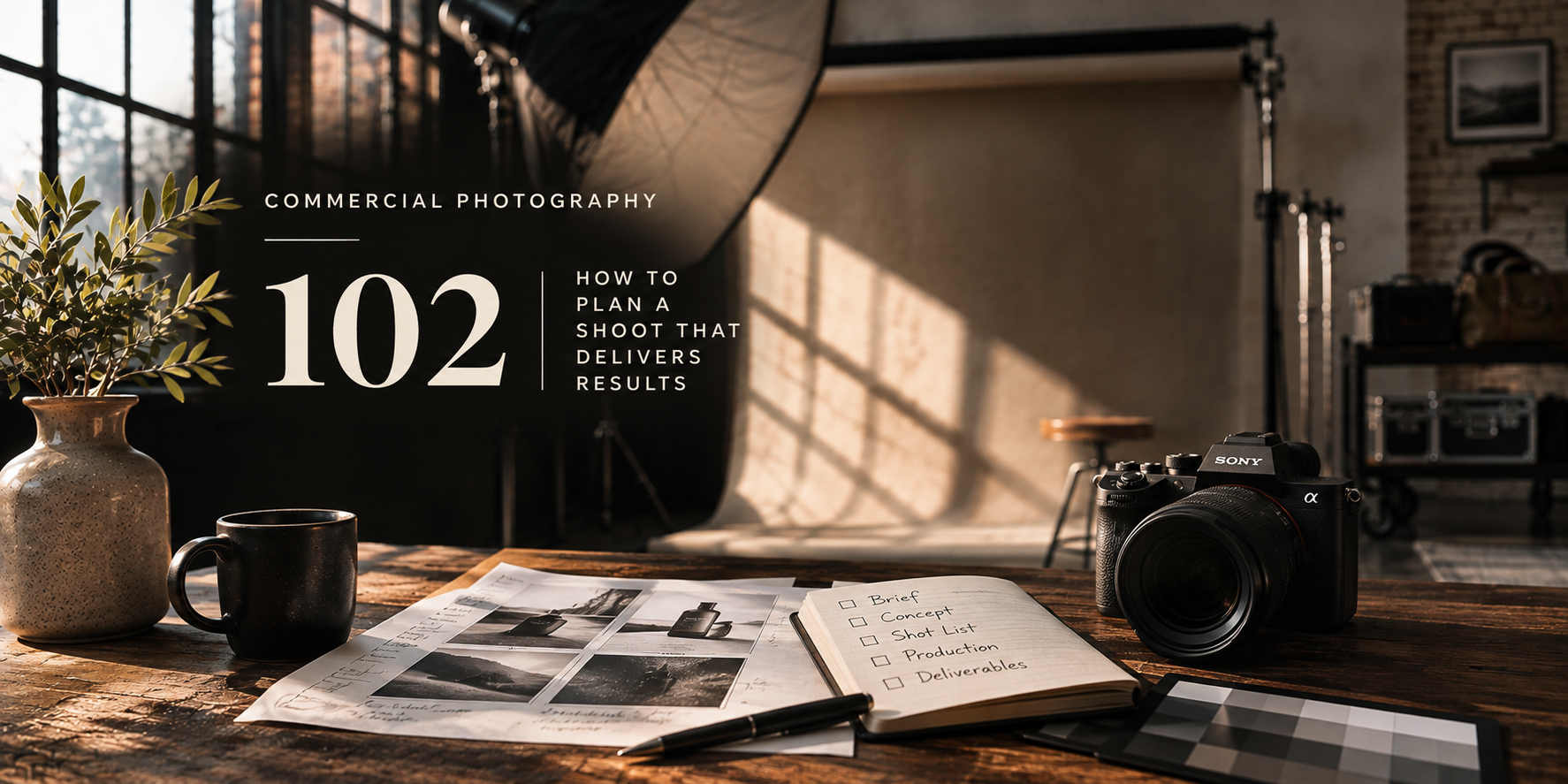
A great commercial shoot is not a collection of pretty pictures. It is a deliberate plan for creating images a business can actually use.
A commercial shoot can be visually beautiful and still miss the point. The images may look impressive in your portfolio, but the client may be left asking: Where does this go? What can we actually use? Why didn't we get the other crop?
I've learned that the best shoots are often decided before anyone picks up a camera. Planning is where we identify the real problem, translate it into images, and make room for the creative work that makes people stop and look.
In Commercial Photography 101, I explained why every image needs a job. Here's how to make sure you capture the right images in the first place.
Throughout this lesson, we will use a fictional LUMA Skincare launch to connect each decision, from the initial brief to the photographs the marketing team actually receives.
Get the goal out of the client's head.
When a client says, "We need new photos," that's a request, not a creative brief. It tells me what they want to buy but not what they need the photographs to accomplish.
Start with a conversation about the customer. What does someone need to understand or believe before they're ready to act? Then talk about the offer, the campaign, the channels, and the decision-makers. Sometimes the marketing manager is briefing the project, while the ecommerce team and graphic designer will be the people who actually use the files.
A strong brief answers six questions. If you can't answer them, you're not ready to build the shot list.
Six things to know before the shoot.
- Business objective
- What should improve: product comprehension, inquiries, launch awareness, or another outcome?
- Audience
- Who are we trying to reach, and what might stop them from buying?
- Message
- What is the one thing people should understand or feel?
- Channels
- Where will the pictures actually appear: product page, website, ad, packaging, email?
- Deliverables
- How many selects, which formats and crops, what retouching, and by when?
- Approvals & measures
- Who signs off, and what will show whether the work was useful?
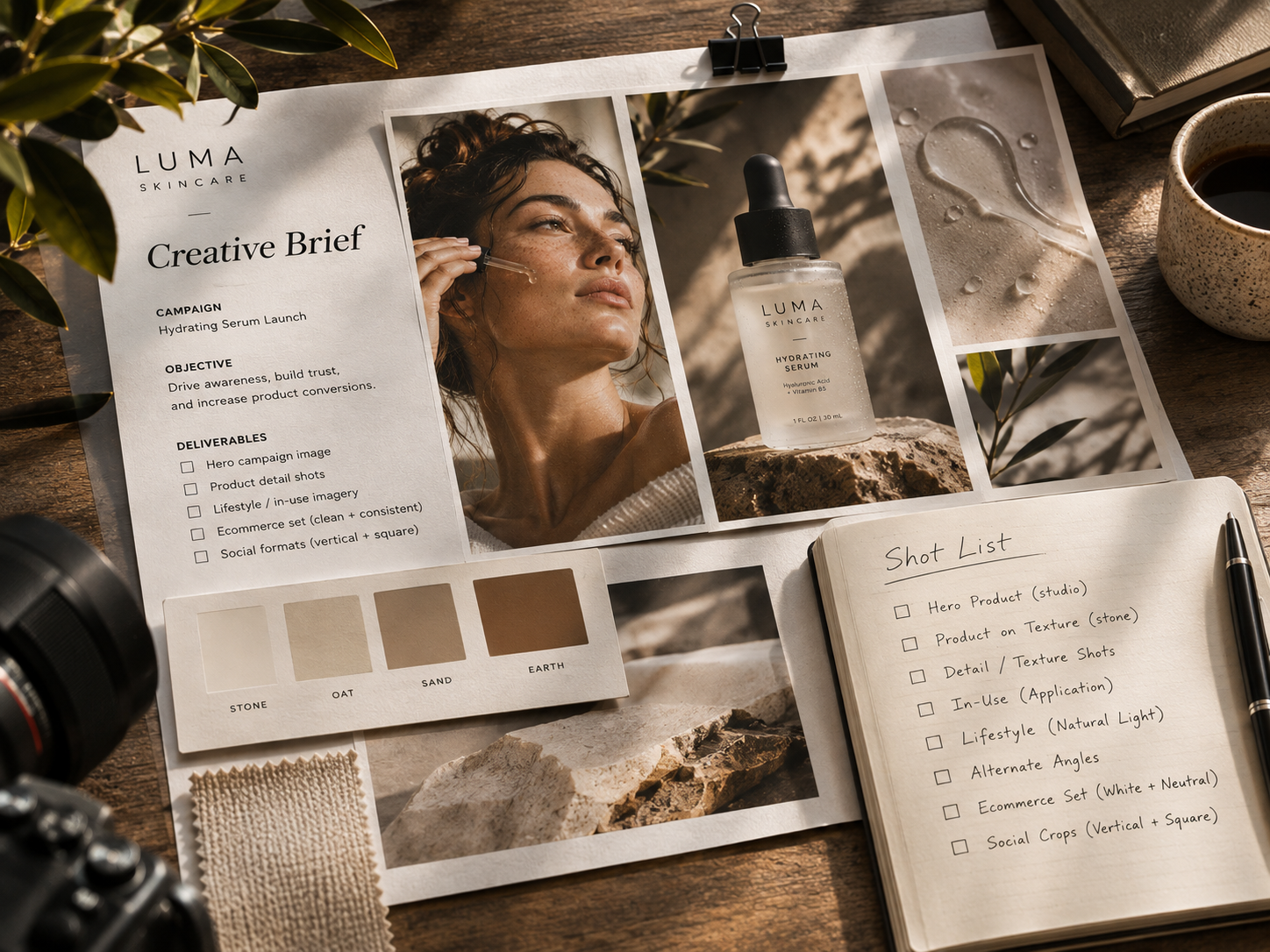
Build the shot list around the customer journey.
Imagine LUMA Skincare preparing to launch a hydrating serum. They need a homepage image, useful product-page photographs, an email announcement, and social content. We could photograph the bottle on a beautiful background twenty different ways. Or we could design a small library of assets that answers the customer's questions at each step.
The following is a hypothetical example, not a client case study. Its value is in showing how commercial purpose changes what you photograph.
Hero image.
Express the brand feeling and introduce the product. Allow room for headlines or calls to action.
Product & detail.
Show accurate color, scale, packaging, texture, and meaningful features.
Lifestyle & use.
Show the product in a believable context so a customer can picture owning it.
| Asset | What it needs to accomplish | Deliverable consideration |
|---|---|---|
| Campaign hero | Introduce the product and establish mood. | Wide composition and clean negative space for copy. |
| Product-page image | Make the product unmistakably clear. | Consistent crop, accurate color, clean background. |
| Texture/detail | Answer a practical question about the product. | Close framing and high-resolution detail. |
| In-use photograph | Help the buyer picture the experience. | Authentic action; talent and any necessary releases. |
| Social variation | Carry the idea into a smaller, faster format. | Vertical and square safe areas; room for overlays. |
A shot list is a plan, not a guarantee. Final image counts and crops belong in the signed scope of work.
Give creativity a clear job.
Strategy isn't an excuse to make boring photographs. It's a way to use your taste more intentionally.
If the brand needs to feel premium, maybe that's refined styling, a tighter palette, directional light, and meticulous surfaces. If it needs to feel approachable, the better creative choice might be an imperfect human moment and a little more room to breathe.
Make a treatment or mood board that communicates the visual direction, then explain why it fits the audience and intended use. Don't borrow a fashionable look simply because everybody else is using it.
Make specific decisions about lighting, casting, styling, location, props, composition, and color. Then make sure those decisions remain recognizable across the campaign. Consistency is part of what makes a small image library feel like one brand.
Build a production plan that protects the work.
Even a small commercial shoot has moving parts: product samples, a location, equipment, props, talent, assistants, client approvals, backups, and someone responsible for keeping the day moving.
I organize the work in order of priority. Capture the must-have images first. Group similar lighting setups and products so you aren't rebuilding the set every thirty minutes. Leave a buffer for surprises, because there will be surprises.
Before the shoot, confirm access, insurance requirements, usage expectations, required talent or property releases, and who is allowed to approve creative changes. On the day, tether or review key images when practical, check detail and color, and get clear sign-off before breaking a set.
Get aligned.
Approved brief, mood board, priority shot list, call sheet, product inventory, team responsibilities, releases, and contingency plan.
Protect the essentials.
Must-haves first, image review at decision points, usable alternate crops, reliable backups, and a documented list of what was completed.
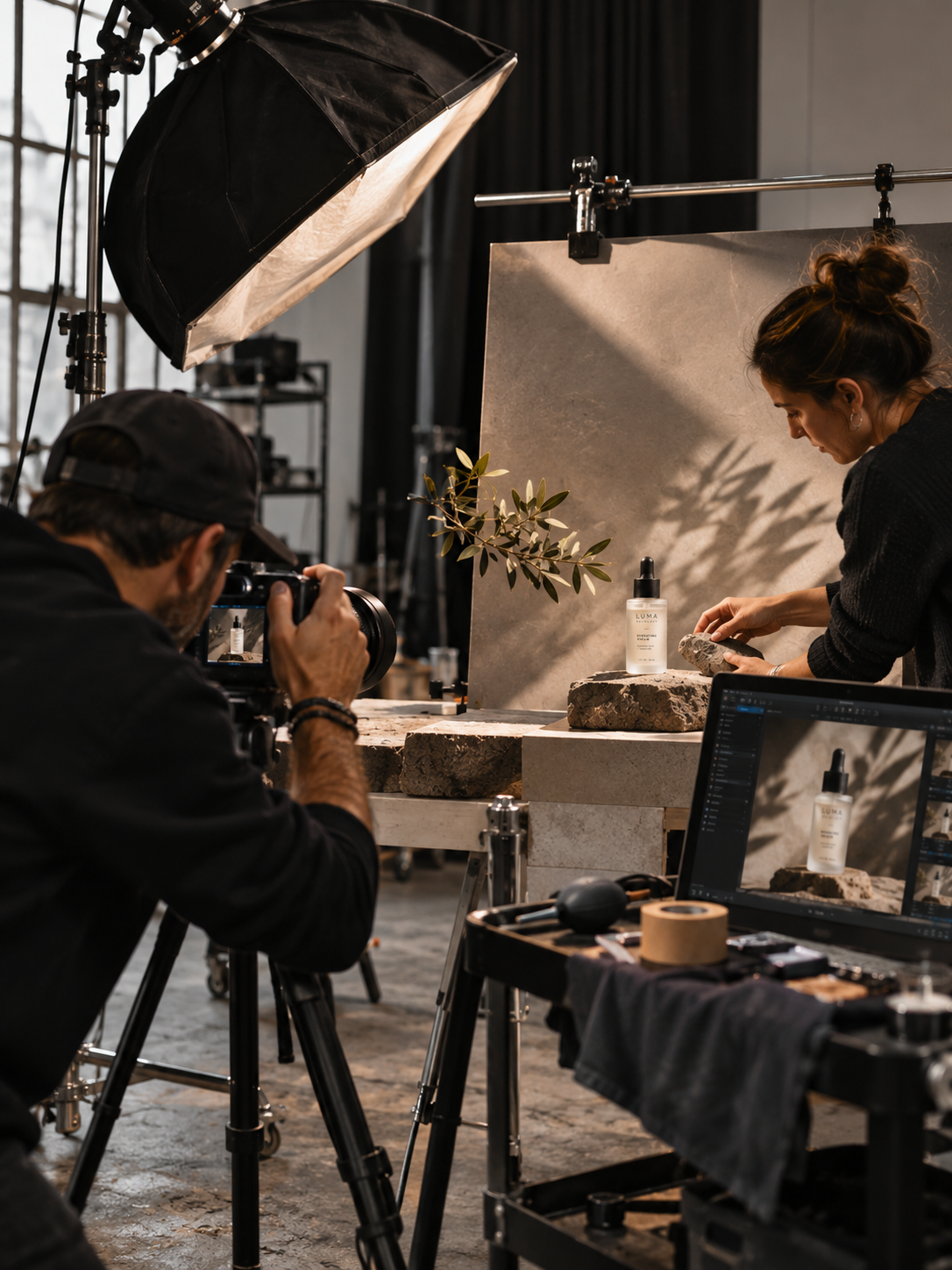
Don't use the last hour of a shoot to discover that the one image the campaign needed most was never captured.
Deliver assets people can actually use.
The work isn't finished when you press the shutter. It's finished when the client has the right files, in the right places, with enough clarity to put them to work.
Agree on naming, file size, color space, exports, retouching level, review rounds, delivery dates, and how many final images the client receives. A carefully photographed product that arrives in the wrong crop three days after launch is not a successful delivery.
- Deliver the agreed selects. Not every frame you shot.
- Use the formats that fit the destination. Prepare the agreed web, print, and social files, with color management appropriate to each use.
- Make approval easy. Separate proofing from final delivery; clarify revision rounds and the final decision-maker.
- Document licensing and restrictions. The client should know which uses are authorized and when additional permission is needed.
- Close the loop. Ask whether the assets served the original brief and what could be improved next time.
When results come back, be curious. A product page might perform better, or it might not. Photography is one part of the experience alongside pricing, copy, traffic quality, and the offer. Learn what you can without claiming credit for a result you didn't isolate.
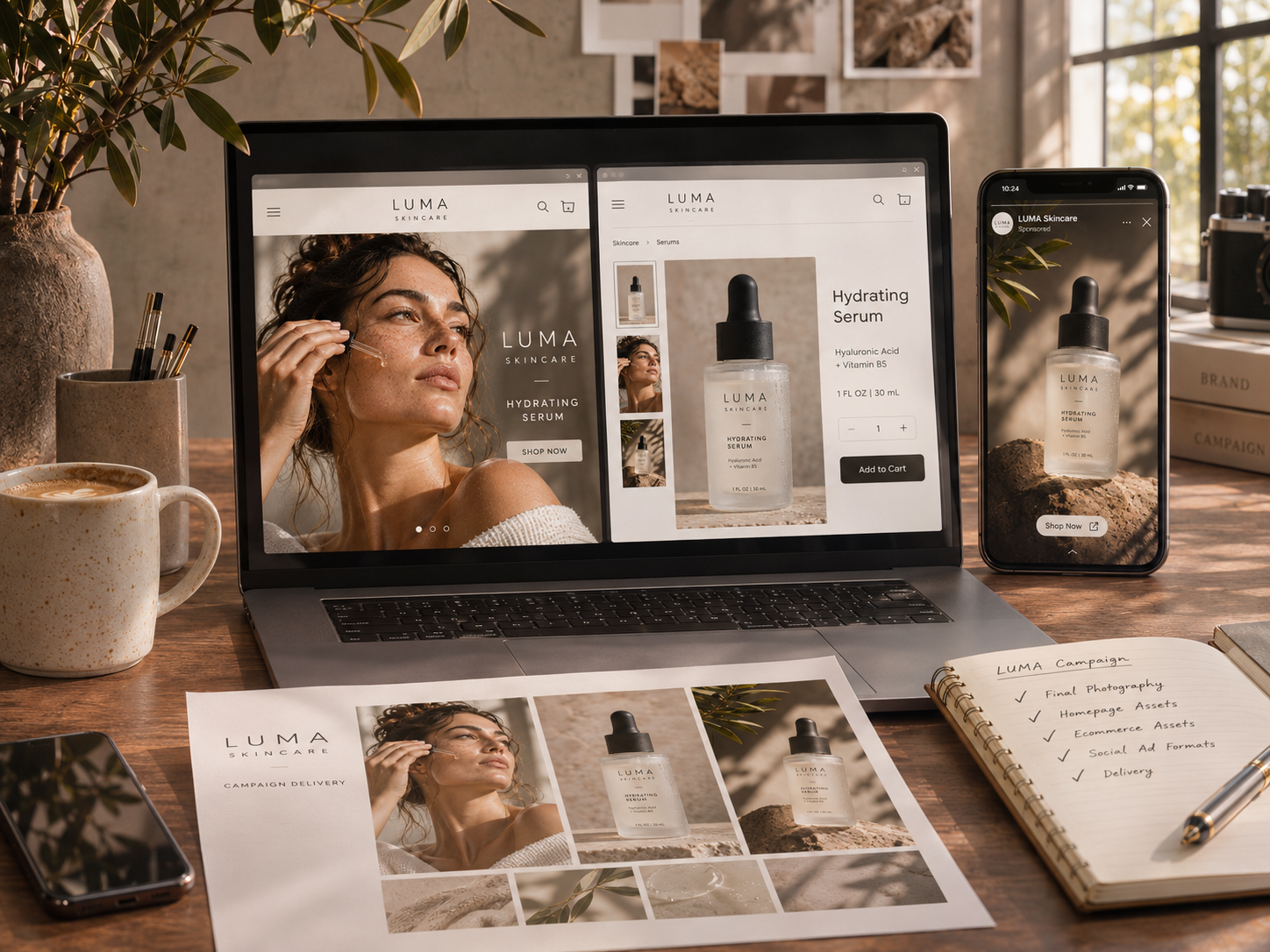
Visual examples in this article are AI generated illustrations of a fictional LUMA Skincare project, not photographs from an actual client assignment.
A great shoot is designed twice: first in the plan, then through the camera.
Photographers who do this well become easier to trust. They're not simply making pictures; they're helping a team turn an idea into assets that have a real purpose.
But once you understand the brief, shot list, team, and deliverables, another question becomes unavoidable: what should this work cost? That's where the next lesson begins.